In this HowTo series I want to explain how to set up all software to write, compile and debug code for STM32 microcontrollers on Windows 7. I have a 32bit Windows 7 system. There are some differences when using a 64bit Windows which I try to address when needed.
The STM32 is a family of 32bit ARM microcontrollers. STM has created a wide range of different versions for different needs. The L0 and L1 series for example are for low power applications. As a rule of thumb for the Fx series: The higher the number the higher is the performance and the more peripherals are present.
The HowTo should work, more or less, for all STM32 microcontrollers. For the moment I will use a STM32F4Discovery. But I will note when something is different for other STM32 microcontrollers. The STM32F4Discovery is a small kit to explore the capabilities of the controller. A ST-Link V2 is present too. When some of the jumpers are removed this ST-Link V2 can be used to program and debug other STM32 microcontrollers. The kit is available for less than $20.
For the first part of the series I will show which tools/programs are necessary and try to explain them a little bit.
Java Runtime Environment 7 or 8
http://www.java.com (either 32bit or 64bit)
To run Java programs like Eclipse or STM32CubeMX the installation of JRE is necessary.
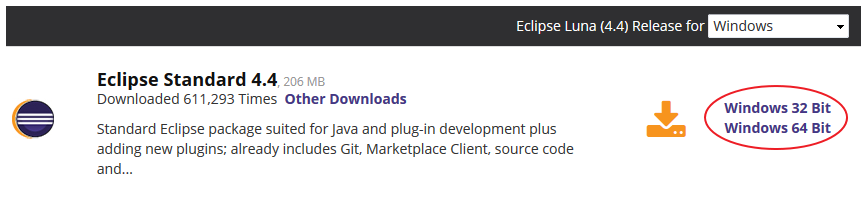
Eclipse Standard 4.4 Luna
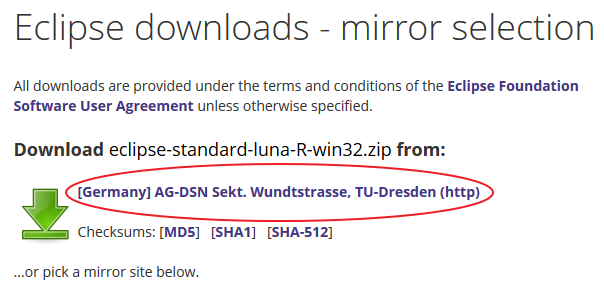
http://www.eclipse.org/downloads/ (either 32bit or 64bit)
Eclipse was designed as IDE to develop Java programs. But because Eclipse can be extended with plugins. It can be used for many different programming languages. The CDT – C/C++ Development Tooling plugin allows one to program C/C++ programs. For the moment we only install the standard version without any additional tools.
GCC ARM 4.8-2014-q2
https://launchpad.net/gcc-arm-embedded/+download (latest zip file)
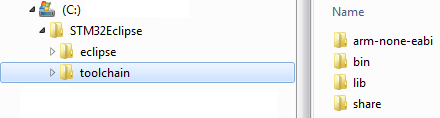
This is the real toolchain. It contains, among other things, the compiler and linker for ARM microcontrollers.
Make and rm
http://sourceforge.net/projects/gnuarmeclipse/files/Miscellaneous/Cross%20Build%20Tools.zip/download
These two tools are not found within the GCC ARM Tools but are necessary to compile the source code.
OpenOCD 0.8.0
http://www.freddiechopin.info/download/category/4-openocd
OpenOCD is an open On Chip Debugger and in system programmer. It is used to upload the firmware into the STM32 and debug it.
STM32 CubeMX
http://www.st.com/stm32cube (Standalone Version)
CubeMX is – more or less – replacing the Standard Peripheral Library. It also helps to configure the pin out and clock system of a microcontroller. For most STM32 series (at the moment STM32F1x and STM32L1x are not supported) the tool can generate source code for the peripherals and some middleware. There are still SPLs available for the not supported series:
SPL STM32F1x (STSW-STM32054): http://www.st.com/web/catalog/tools/FM147/CL1794/SC961/SS1743/LN1734/PF257890
SPL STM32L1x (STSW-STM32077): http://www.st.com/web/catalog/tools/FM147/CL1794/SC961/SS1743/LN1734/PF257913
The Eclipse plugin integrates the CubeMX into Eclipse. At the moment the code generation does not support Eclipse and GCCARM directly. But it is quite easy to adopt the generated code for this setup.
Note: There is an Eclipse plugin for STM32CubeMX. But I was unable to get it working.
Driver ST-Link V2
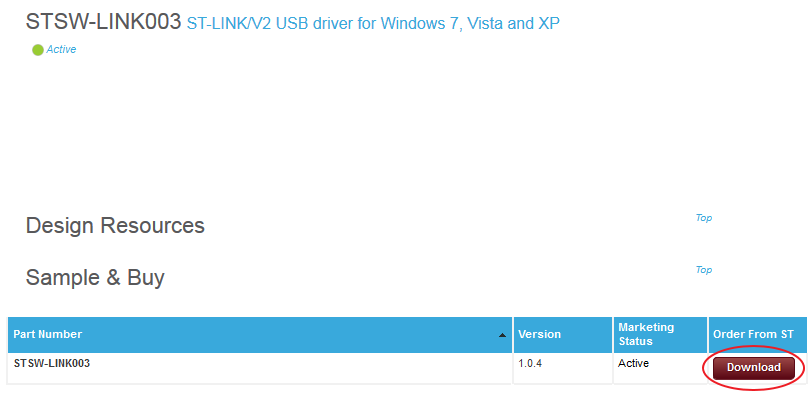
Windows XP/Vista/7: http://www.st.com/web/en/catalog/tools/PF258167 (STSW-LINK003)
Windows 8: http://www.st.com/web/en/catalog/tools/PF258168 (STSW-LINK004)
USB Driver to communicate with the ST-Link V2 programmer/debugger. There is a small tool which allows one to program and verify the STM32: http://www.st.com/web/en/catalog/tools/PF258194# (STSW-LINK005)
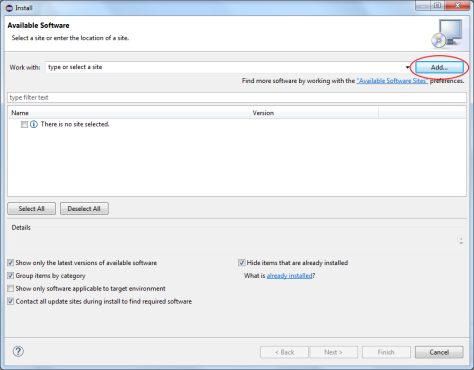
There are some other components to get this setup running. All of them are plugins for Eclipse. The download and installation are handled by Eclipse.
Eclipse CDT
As mentioned above this plugin extends Eclipse to handle C/C++ projects.
Eclipse ARM Plugin
This plugin extends CDT to build and debug ARM projects.
EmbSysRegView
When debugging a microcontroller it is often necessary to look into the microcontroller registers and sometimes to alter their content.
These are all the tools/programs needed for developing software for a STM32 microcontroller. In the next part of the series I will show how to install Eclipse and the plugins.
 After the Splashscreen is shown Eclipse asks where the Workspace is located. We enter ‘c:\STM32Eclipse\workspace’ and press “OK”.
 Now Eclipse opens with a “Welcome”-Screen.




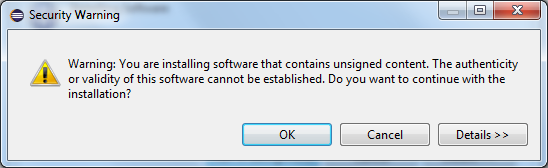
 At some point it tells you that some of the features are not signed. We can ignore this and click OK to proceed.
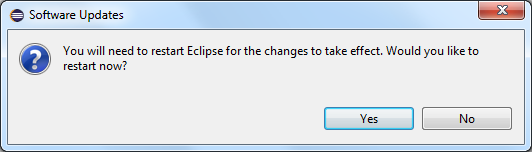
 Finally you are asked to restart Eclipse to finish the installation process.